If you want quick and stylish bike edits, try the Gemini AI bike prompt copy paste. With the right prompts, Gemini AI can turn your normal bike photo into a powerful, cinematic, and professional-looking image.
Whether you want a superbike pose, a racing-style edit, a garage aesthetic, or a cool rider photoshoot vibe, these Gemini AI bike prompts instantly upgrade your photos.
Simply copy and paste the prompt, upload your photo, and Gemini AI will generate a stunning result that preserves your face. It’s fast, easy, and perfect for Instagram, DP, reels, and trending bike edits in 2025!
Gemini AI Bike Prompt Copy Paste
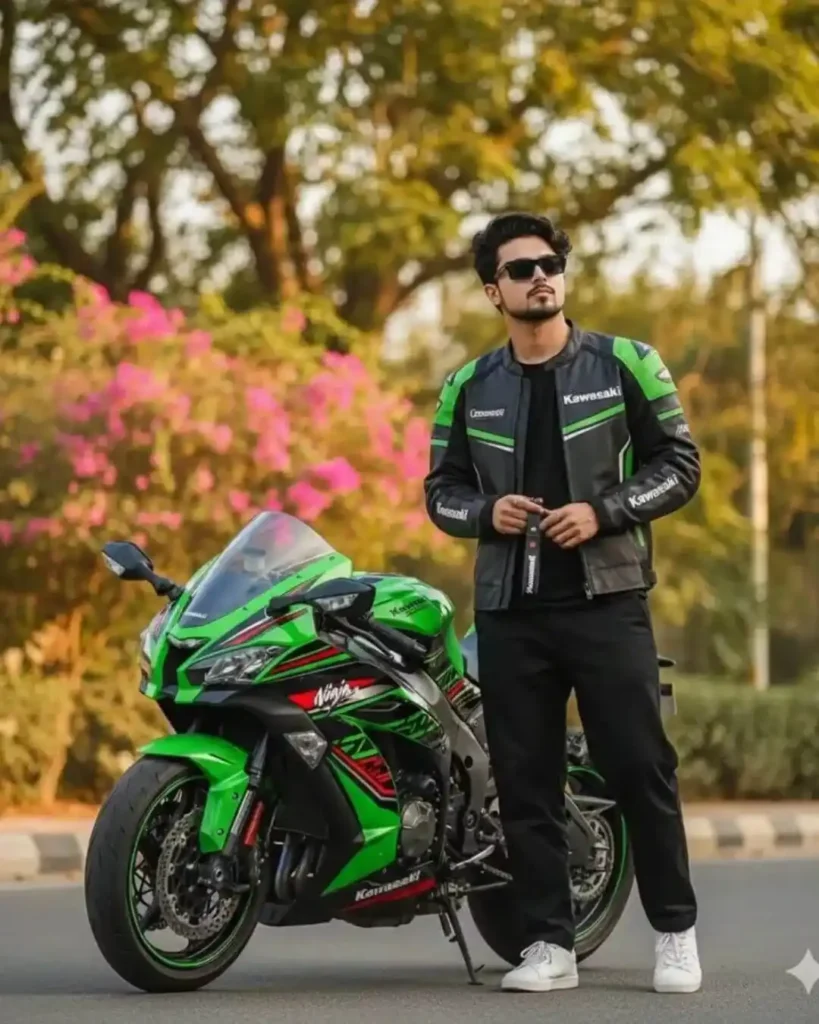
Create hyper-realistic of: A young man with tousled black hair and a light mustache, wearing sleek rectangular black sunglasses. He is wearing the same Green Kawasaki Ninja Racing Jacket and black t- shirt underneath, he is wearing baggy black pants and white sneakers. He is sitting casually on a bright green and black Kavwasaki Ninja ZX-10R superbike, featuring sharp aerodynamic fairings, aggressive twin headlights, sporty red- and-black stripe accents, and green wheel rim detailing. The motorcycle has a large front brake disc, racing-style body panels, and a muscular superbike stance. He is holding the Kawasaki-branded keychain strap. The lighting is warm and golden, giving a late-afternoon aesthetic with soft shadows. The background features tall green trees lit by sunlight and blooming pink bougainvillea flowers, with natural greenery above and a clean roadside environment below. Full-body shot with cinematic tone, high detail, sharp focus, and vibrant color contrast. Not sitting with a bike,Use same to same face as given reference pic.
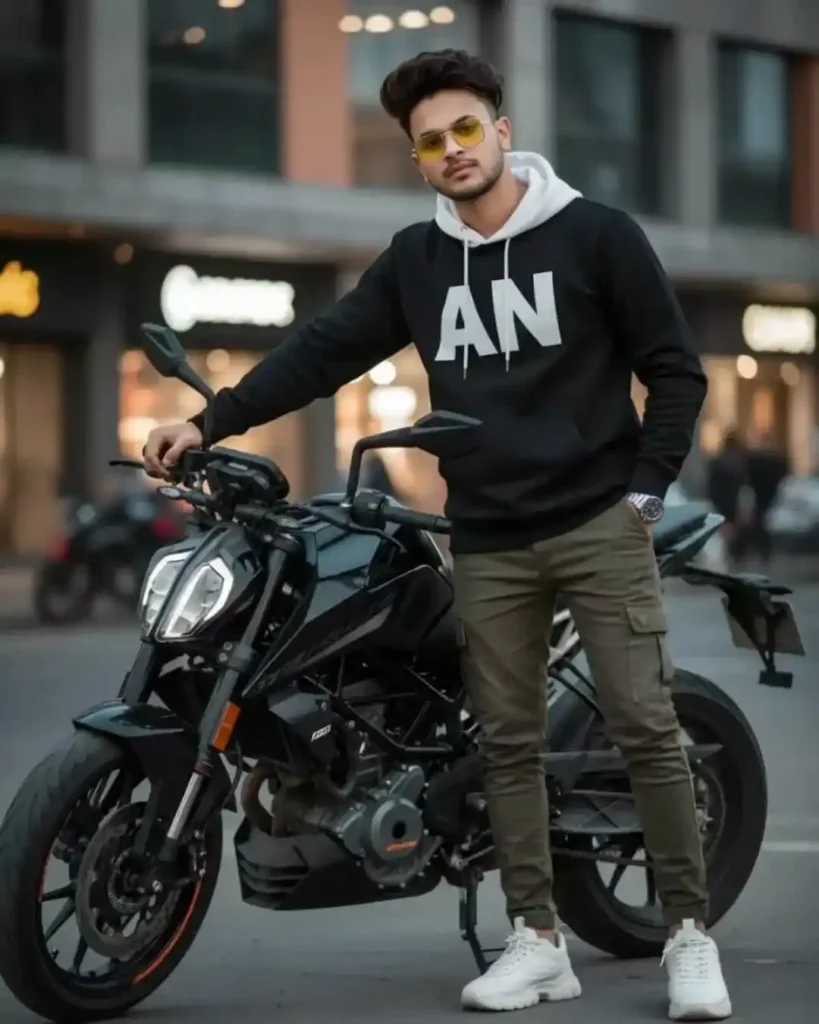
AN Ultra-realistic, hyper-detailed k full-body cinematic portrait of a 23-year-old stylish young man (use the exact same face and hairstyle from the uploaded image- 100% identical, perfectly styled hair). He is standing confidently next to a custom matte black KTM Duke 250, one hand casually resting on the bike, other hand in pocket. White chunky sneakers firmly on the ground, legs slightly apart, gaze directly at the camera with effortless attitude Outfit: Black hoodie with a white hood, featuring a bold “AN” logo on the front: paired with fitted cargo pants. He’s wearing square rimless yellow gradient sunglasses, and his only accessory is a wristwatch. His sharp jawline, perfectly messy hairstyle, and cool, confident expression are highlighted by soft cinematic lighting, with a modern urban background enhancing the edgy, fashion-forward cinematic vibe.
Gemini AI Bike Prompt Copy Paste
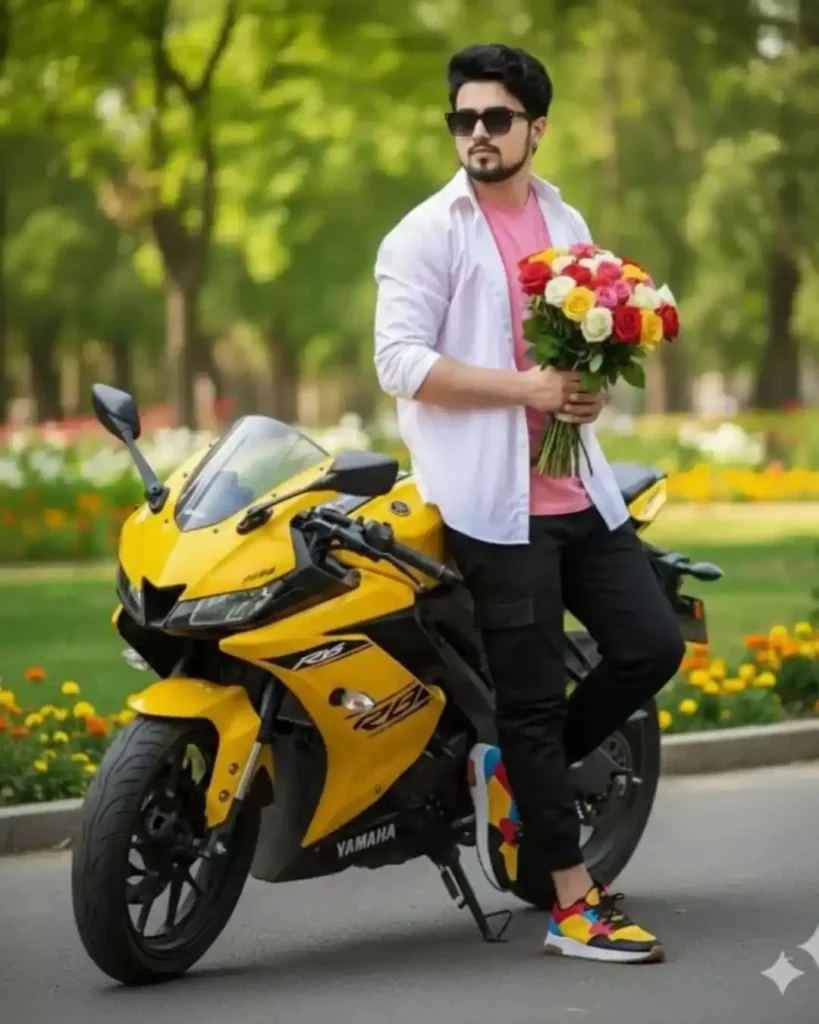
A hyper realistic full-body portrait of a handsome young man The man is handsome, with naturally fair skin,her hairstyle is same upload image. Square sunglasses, He’s wearing an expensive change pink shirt and white tshirtwith an unbuttoned white shirt on top, black cargo and red, yellow, black, blue, white stylish shoes. His one hand holds of bouquet of vivid roses, and the other hand on pocket.He sat leaning on his coolyelloW colour yahmaha R15 bike, beautiful background, man looking him camera,
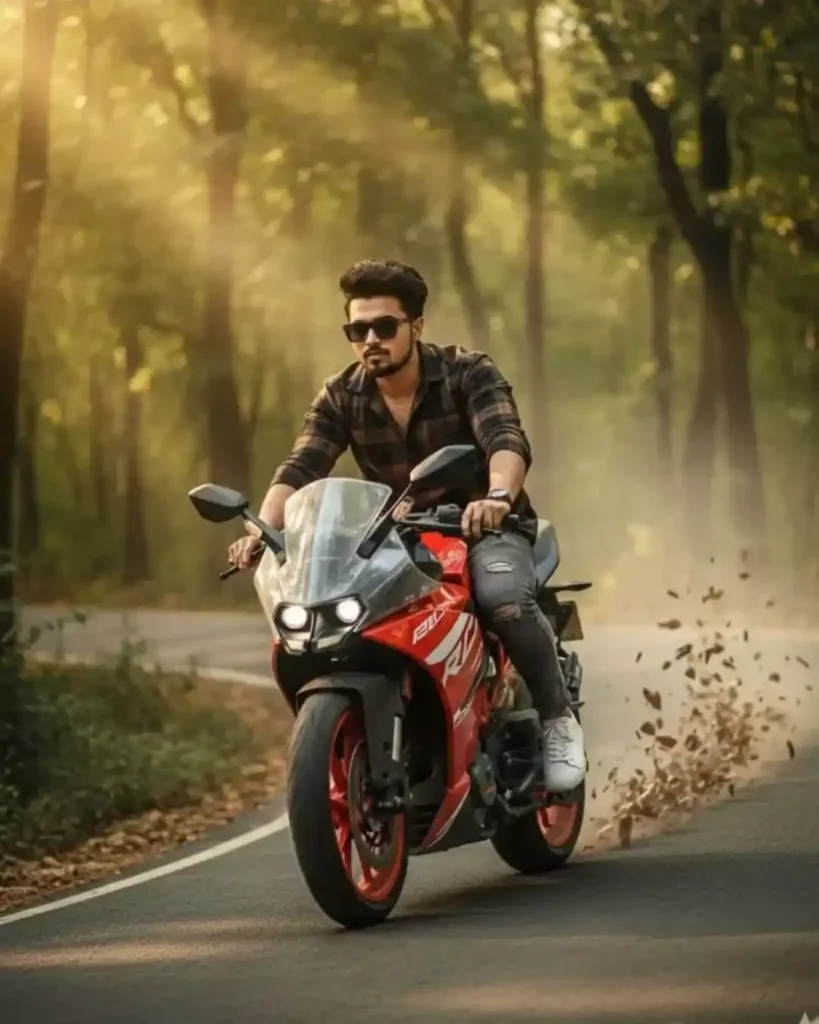
A 20-year-old man (height 55) riding a red and white KTM RC 250 motorcycle on a winding forest road. The bike is shown at a cross angle (slightly diagonal), making the shot more stylish and dynamic. His face and hairstyle are exactly like the uploaded photo sharp and defined features, a well-groomed beard, and black sunglasses. He is wearing a black and brown checkered shirt (sleeves rolled up), distressed grey jeans, and white sneakers. In the background, golden sunlight filters through the lush green trees, with a light mist spread across the road. Dust and dry leaves are flying from the speed of the bike, creating a sense of action and movement. The camera angle is a mix of low-angle and drone shot (from above and afar), with the entire focus on him and his bike. The whole scene is captured in an ultra-cinematic, high-definition, and stylish
Gemini AI Bike Prompt Copy Paste
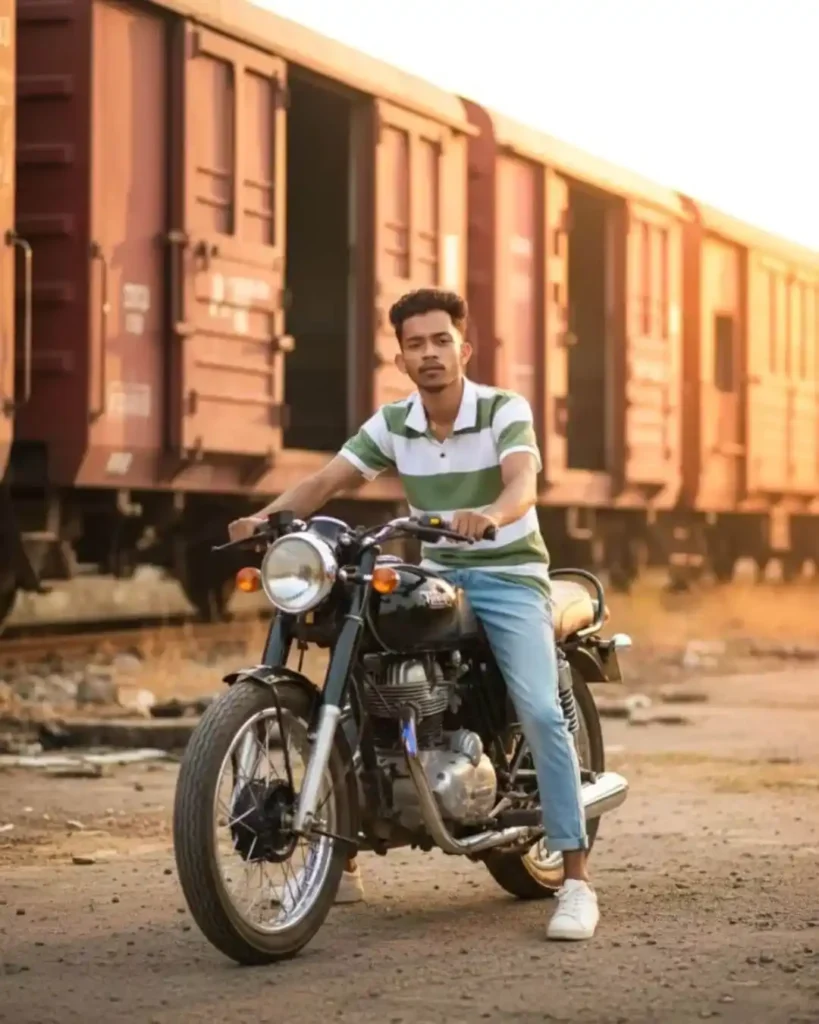
A stylish young man confidently on a black retro motorcycle wearing the same outfit in the reference image, The background features a rustic red cargo train wvith open sliding doors, adding an urban and vintage atmosphere. The scene combines tradition, fashion, and a sense of adventure in a cinematic style.
Ultra-realistic, hyper-detailed 8K full-body cinematic portrait of a 23-year-old stylish young man (use the exact same face and hairstyle from the uploaded image – 100% identical, perfectly styled hair). He is sitting confidently on a custom matte black KTM Duke 250, one leg on the ground, other foot on the bike peg. His hands are relaxed on his knees, gaze directly at the camera, exuding cool confidence. Outfit: Black hoodie witha white hood, featuring a bold “AN” logo on the front: paired with fitted cargo pants and white chunky sneakers on his feet. He’s wearing square rimless yellow gradient sunglasses, and his only accessory is a wristwatch. His sharp jawline, messy yet perfect hairstyle, and effortless expression are highlighted by soft cinematic lighting, with a modern urban background adding a fashion-forward, edgy vibe.