Prompt Women:Without changing the facial features and hair of above image woman ,create an ultra realistic extreme low angle ground level point of view portrait of woman standing .she should bend towards the camera .she should be showing pink rose bouquet towards camera .she should be in gentle smile(don’t show teeth).she should wear anarkali pink with blue border design churidar. Her hair is open .only clouds background..no other things /objects/floorings visible .aspect ratio 2:3 . preserve exact face of the uploaded image woman.
Romantic AI Wallpaper Prompts for Men and Women
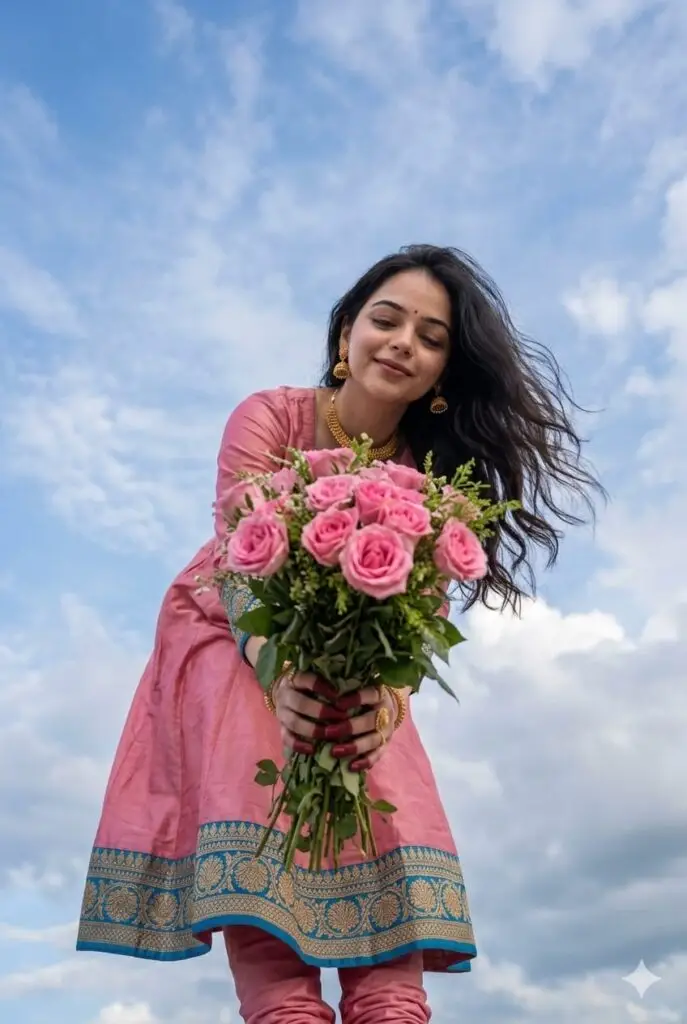
Prompt Women:Without changing the facial features and hair of above image woman ,create an ultra realistic extreme low angle ground level point of view portrait of woman standing .she should bend towards the camera .she should be showing pink rose bouquet towards camera .she should be in gentle smile(don't show teeth).she should wear anarkali pink with blue border design churidar. Her hair is open .only clouds background..no other things /objects/floorings visible .aspect ratio 2:3 . preserve exact face of the uploaded image woman.
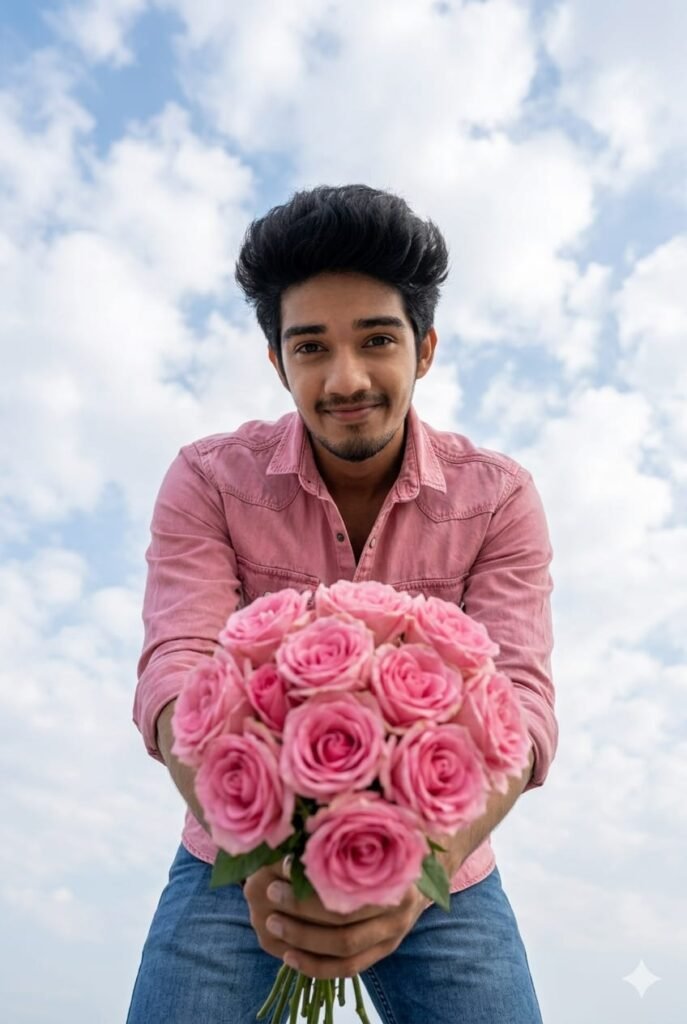
Prompt Men:Without changing the facial features and hair of above image man ,create an ultra realistic extreme low angle ground level point of view portrait of man standing .he should bend towards the camera .he should be showing pink rose bouquet towards camera .he should be in gentle smile(don't show teeth).he should wear pink denim button down shirt and blue jeans .only clouds background. .no other things /objects/floorings visible .aspect ratio 2:3 . preserve exact face of the uploaded image man
How to Use Prompt
Step 1: Open Gemini or ChatGPT
Go to the official Gemini or ChatGPT website
Or open the Gemini or ChatGPT app on your phone
Sign in with your Google account
Step 2: Upload Your Photo
Click on the “+” (upload icon)
Select the photo you want to edit
Wait for the image to upload
Step 3: Write a Clear Prompt
Now type or paste your photo-editing prompt in the chat box.
Step 4: Generate & Wait
Click the send/generate button
Gemini or ChatGPT will process your prompt
Wait a few seconds for the generated image.
Step 5: Download the Image
Once satisfied, download your edited photo
Use it for Instagram, WhatsApp, or Facebook posts