Use a real face as a reference photo The background is the same as in the photo. The lighting is warm, soft, and clean, with subtle shadows. Around the image add several mini chibi (3D cute style) version of the Character, While maintaining the original facial features. Expressions: jumping cheerfully waving sitting relaxed holding a drink cute and playful expressions Add hand-drawn white doodle elements: outline around the main body stars, hearts, sparkless motion lines small cute icons Add aesthetic handwriting such as: “shine,” “bright ” day, “happy, smile, ect. (Casual doodle font) overall style: clean & aesthetic composition white sticker outline soft pastel colour tone high detall 3D chibi glossy look cute korean style instagrammable. 4:5
Cartoon Style Trending Photo Prompt ✨(Chat Gpt )
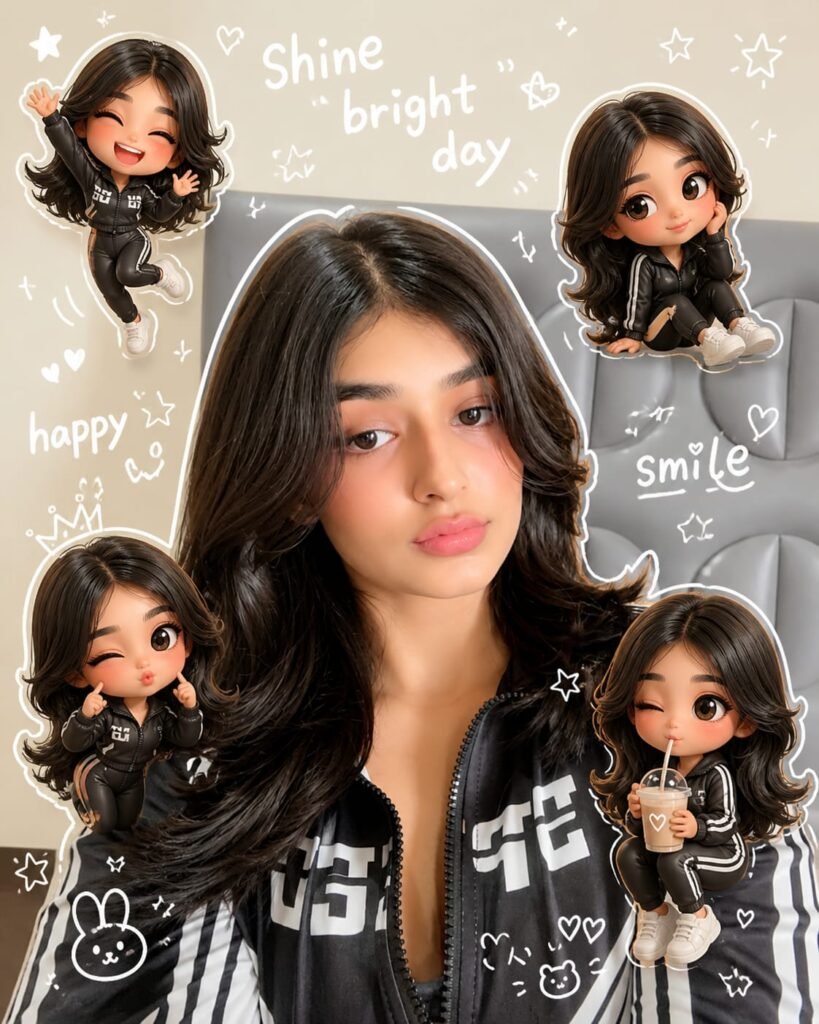
Use a real face as a reference photo The background is the same as in the photo. The lighting is warm, soft, and clean, with subtle shadows. Around the image add several mini chibi (3D cute style) version of the Character, While maintaining the original facial features. Expressions: jumping cheerfully waving sitting relaxed holding a drink cute and playful expressions Add hand-drawn white doodle elements: outline around the main body stars, hearts, sparkless motion lines small cute icons Add aesthetic handwriting such as: "shine," "bright " day, "happy, smile, ect. (Casual doodle font) overall style: clean & aesthetic composition white sticker outline soft pastel colour tone high detall 3D chibi glossy look cute korean style instagrammable. 4:5
Prompt⬇️
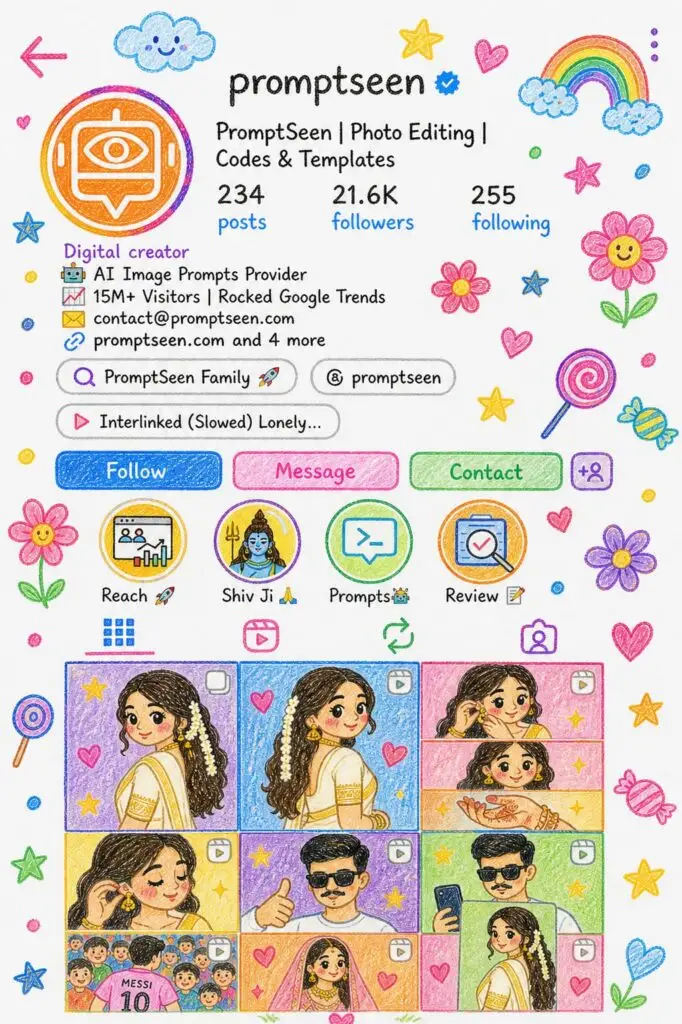
Edit the provided image and reimagine the entire scene as a crayon-style drawing. Simplify the details and make it look like it was drawn by a 10-year-old child Do not use the original image's colors. Give it the feeling of being drawn on a sheet of white paper, with a very cute, playful, and innocent look. Add charming childlike elements such as flowers, candy, stars, clouds, and other sweet decorative details to enhance the whimsical feel Keep the overall result adorable, colorful, and full of childlike innocence
How to Use Prompt
Step 1: Open Gemini or ChatGPT
Go to the official Gemini or ChatGPT website
Or open the Gemini or ChatGPT app on your phone
Sign in with your Google account
Step 2: Upload Your Photo
Click on the “+” (upload icon)
Select the photo you want to edit
Wait for the image to upload
Step 3: Write a Clear Prompt
Now type or paste your photo-editing prompt in the chat box.
Step 4: Generate & Wait
Click the send/generate button
Gemini or ChatGPT will process your prompt
Wait a few seconds for the generated image.
Step 5: Download the Image
Once satisfied, download your edited photo
Use it for Instagram, WhatsApp, or Facebook posts