Create a 35-year-old man sitting in a cozy café, wearing a navy blue shirt, holding a steaming cup of coffee, soft window light falling on his face, shallow depth of field, shot on Sony A7IV, 85mm lens. Use aspect ratio 4:5.
25 ChatGPT Images 2.0 Prompts I Tried and
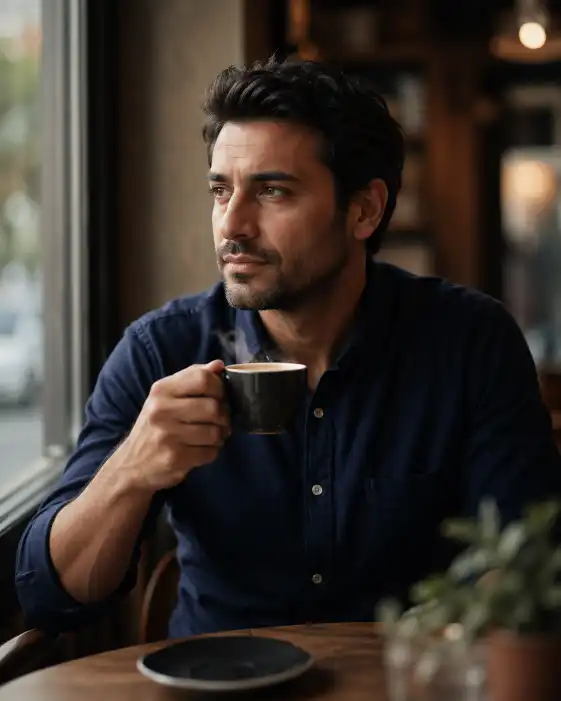
Create a 35-year-old man sitting in a cozy café, wearing a navy blue shirt, holding a steaming cup of coffee, soft window light falling on his face, shallow depth of field, shot on Sony A7IV, 85mm lens. Use aspect ratio 4:5.
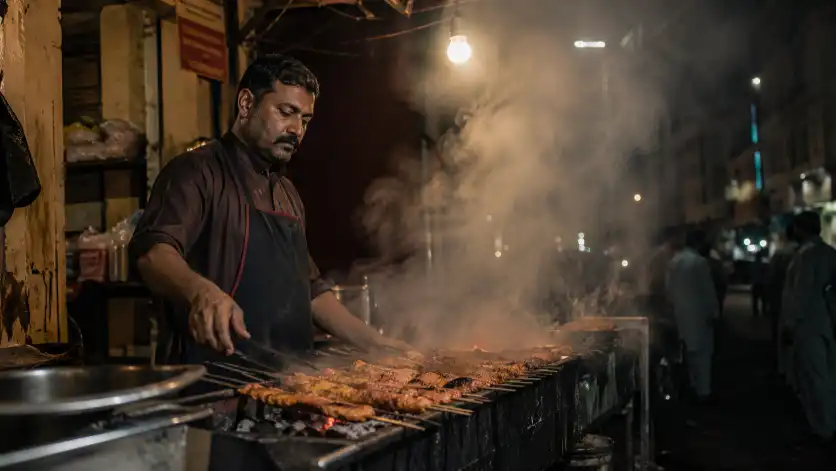
Create a street food vendor grilling kebabs on a charcoal grill at night, smoke rising, warm tungsten light from a hanging bulb, photojournalistic style, Canon EOS R5, 35mm lens. Use aspect ratio 16:9.
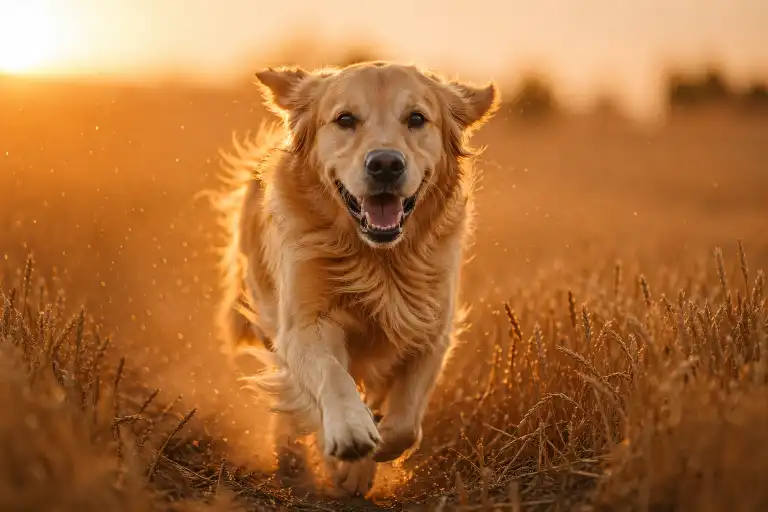
Create a golden retriever running through a wheat field during golden hour, motion blur on the legs, sharp focus on the face, dust particles in the air, Nikon Z9, 70-200mm lens. Use aspect ratio 3:2.
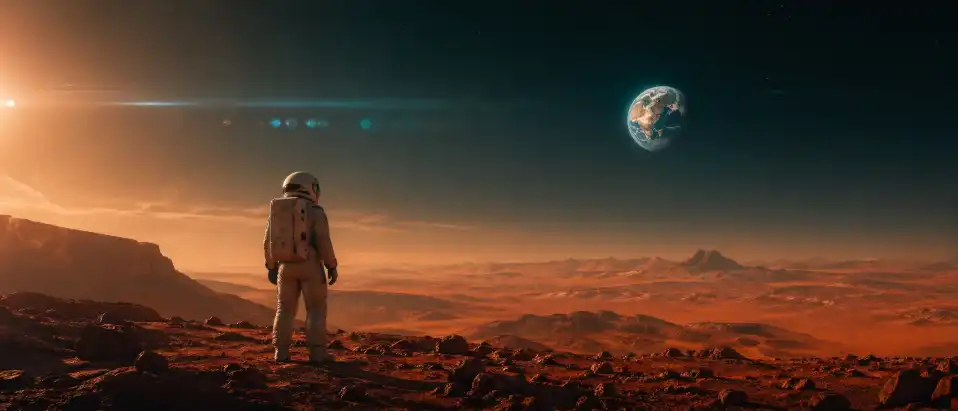
Create a lone astronaut standing on a rust-colored Mars landscape, looking at a distant Earth in the sky, cinematic style, anamorphic lens flare, teal and orange color grading, wide shot. Use aspect ratio 21:9.
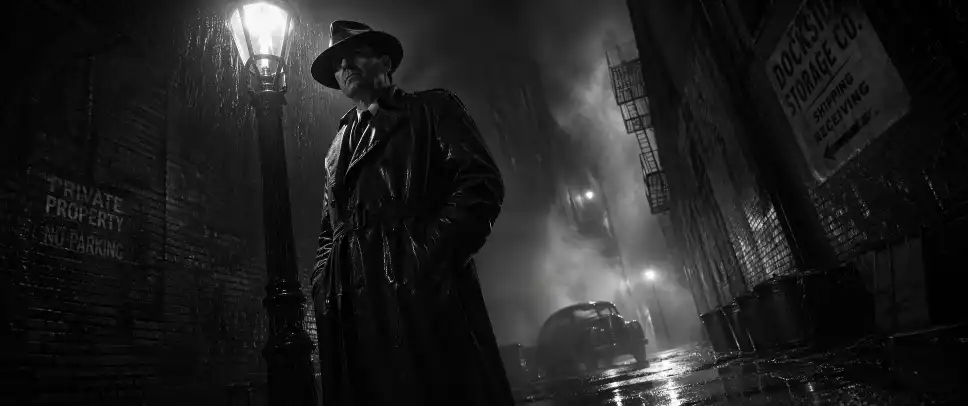
Create a detective in a 1940s noir film standing under a flickering streetlight in a rain-soaked alley, black and white, heavy shadows, fog rolling in, dramatic low-angle shot. Use aspect ratio 2.39:1.
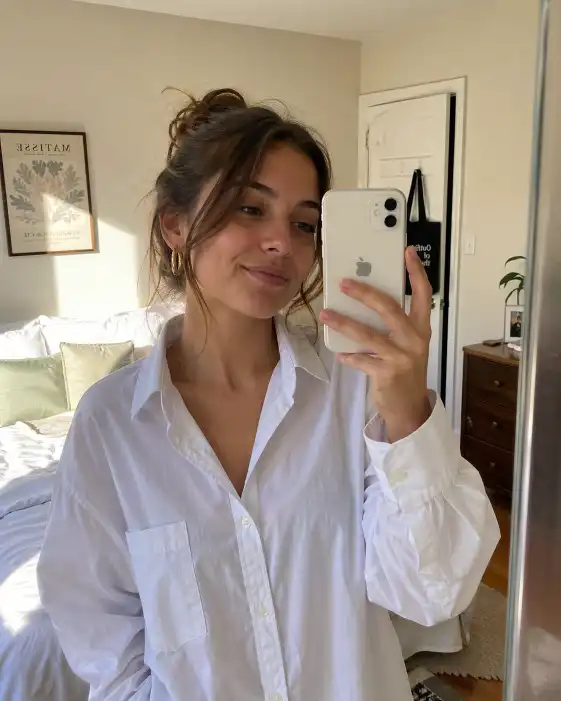
Create a young woman taking a mirror selfie in a sunlit bedroom, wearing a white oversized shirt and gold hoop earrings, warm natural light, slight smile, iPhone front camera look, casual and candid. Use aspect ratio 4:5.
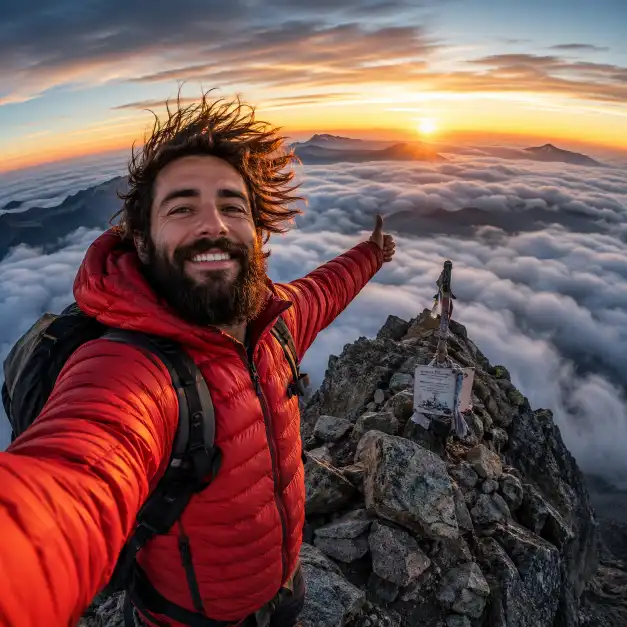
Create a bearded man taking a selfie on a mountain summit at sunrise, windswept hair, wearing a red puffer jacket, clouds below him, GoPro wide-angle distortion, adventurous vibe. Use aspect ratio 1:1.
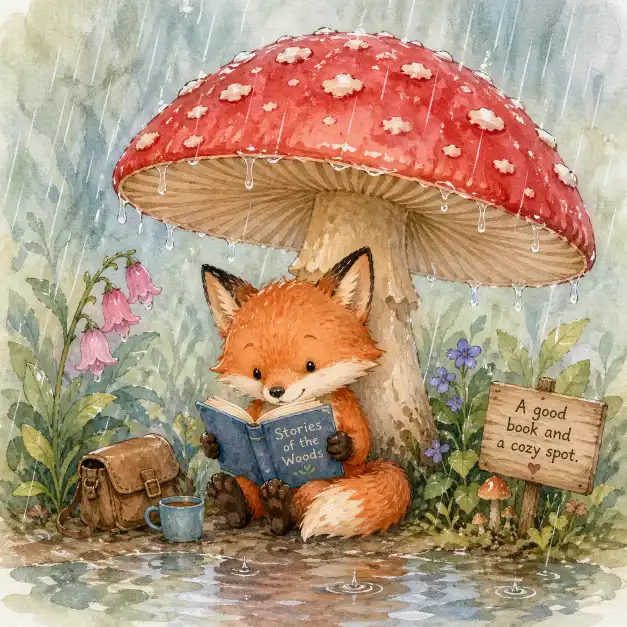
Create a whimsical watercolor illustration of a tiny fox reading a book under a mushroom during a rain shower, soft pastel colors, children’s book style, hand-painted texture. Use aspect ratio 1:1.
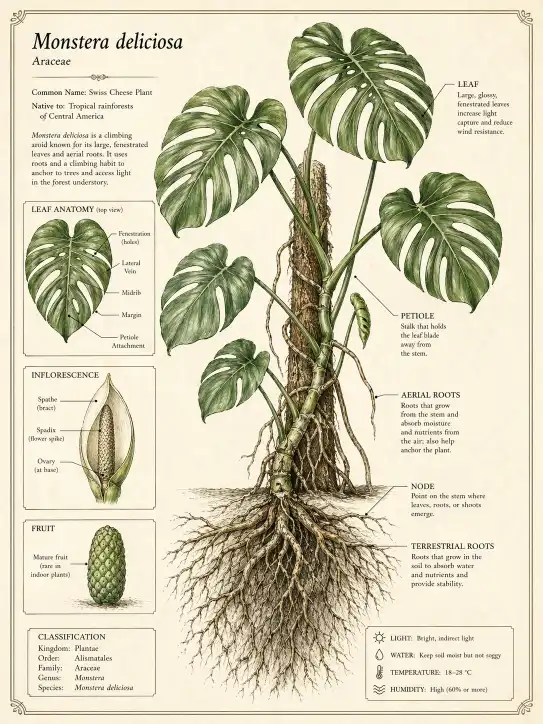
Create a detailed botanical illustration of a monstera plant with exposed roots, scientific diagram style, labeled parts, cream parchment background, fine ink linework with green watercolor fills. Use aspect ratio 3:4.
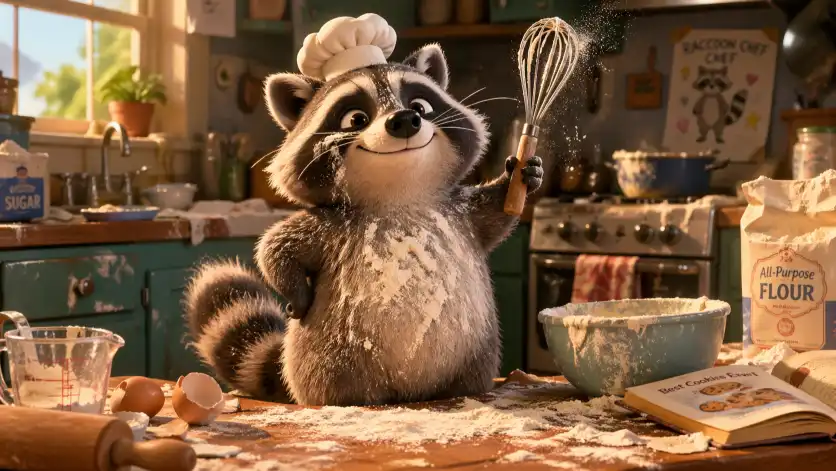
Create a Pixar-style 3D render of a chubby raccoon wearing a tiny chef hat, standing in a messy kitchen, flour everywhere, holding a whisk with a proud expression, vibrant lighting. Use aspect ratio 16:9.
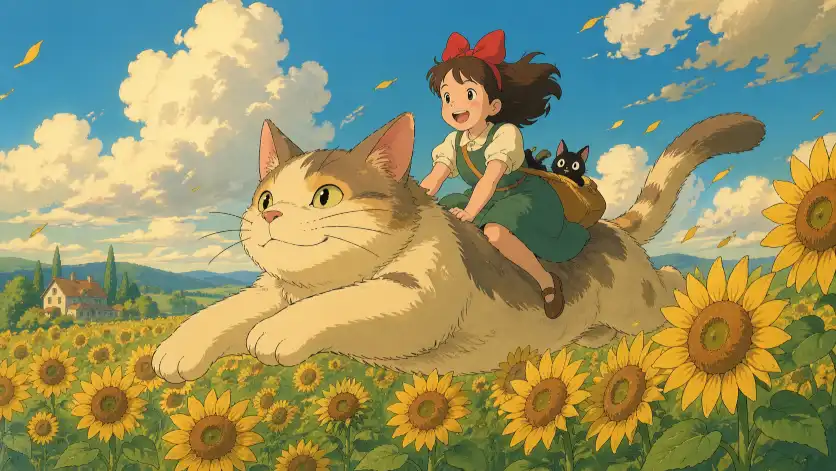
Create a Studio Ghibli inspired scene of a girl riding a giant cat through a field of sunflowers, soft clouds, warm afternoon light, hand-drawn anime aesthetic, dreamy atmosphere. Use aspect ratio 16:9.
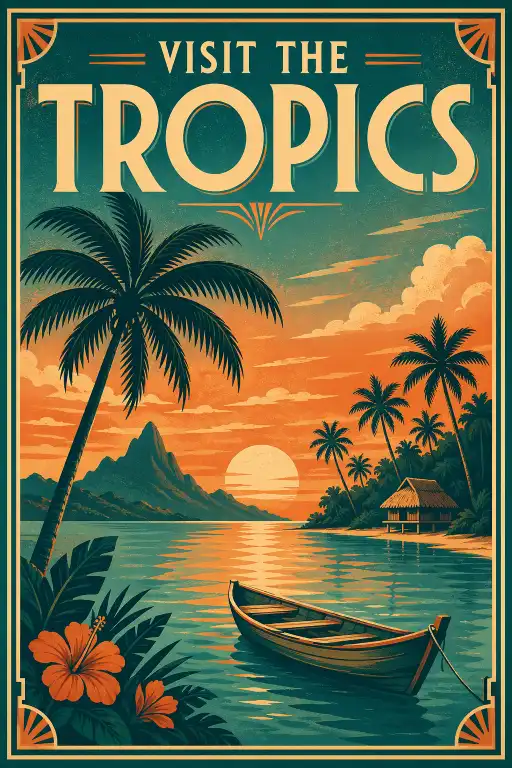
Create a retro travel poster for “Visit the Tropics” featuring a calm lagoon with a wooden boat, palm trees, sunset sky, bold vintage typography at the top, art deco border, limited color palette of teal, orange, and cream. Use aspect ratio 2:3.
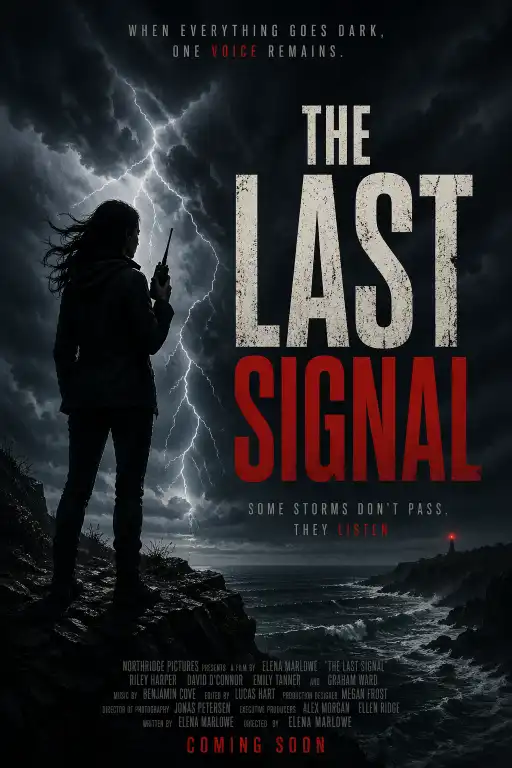
Create a movie poster titled “The Last Signal” showing a silhouette of a woman holding a radio on a cliff edge, stormy sky with lightning, thriller genre, bold distressed font, dark moody tones. Use aspect ratio 2:3.
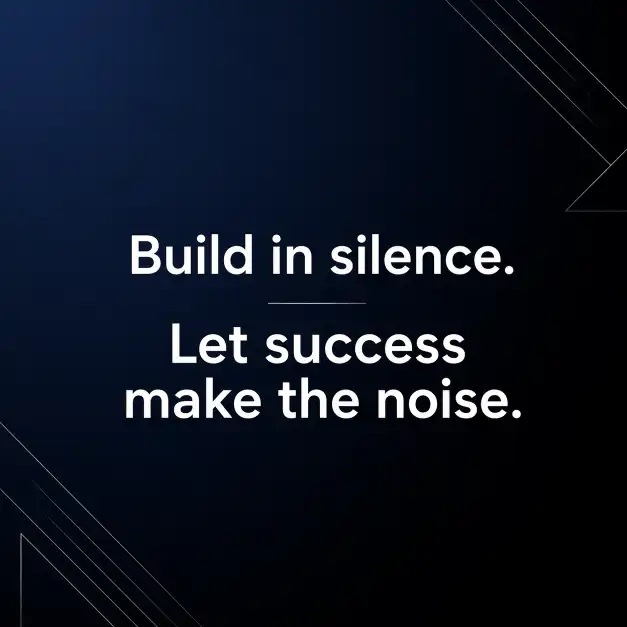
Create an Instagram quote post with the text “Build in silence. Let success make the noise.” on a clean minimalist background, soft gradient from dark navy to black, modern sans-serif white typography, subtle geometric accent lines. Use aspect ratio 1:1.
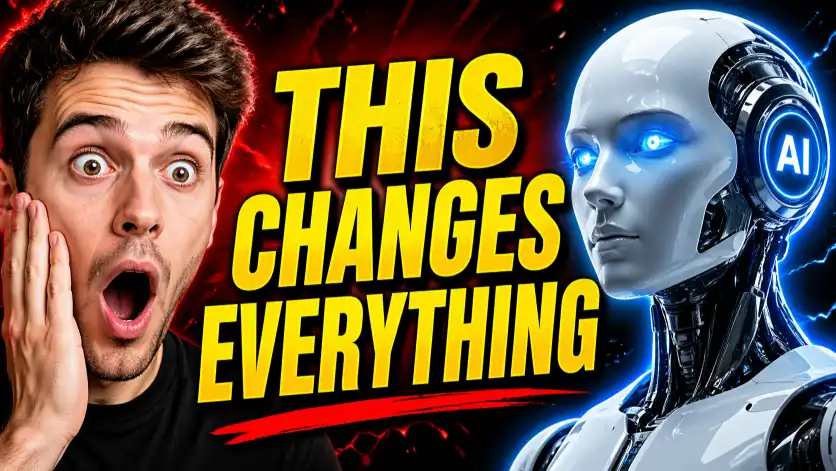
Create a YouTube thumbnail showing a shocked face reaction next to a glowing AI robot, bold yellow text saying “THIS CHANGES EVERYTHING”, red and black background, high contrast, attention-grabbing layout. Use aspect ratio 16:9.
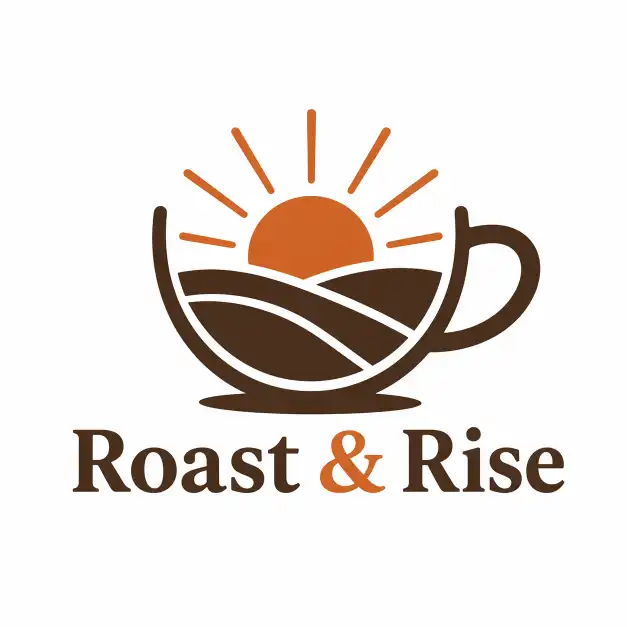
Create a minimal flat logo for a coffee brand called “Roast & Rise”, featuring a stylized coffee cup with a sunrise inside it, two-color design using burnt orange and dark brown, clean vector style, white background. Use aspect ratio 1:1.
Create a modern tech startup logo for “NeuralPath AI”, featuring an abstract brain made of connected nodes and lines, gradient from electric blue to purple, sleek sans-serif wordmark below, dark background. Use aspect ratio 1:1.
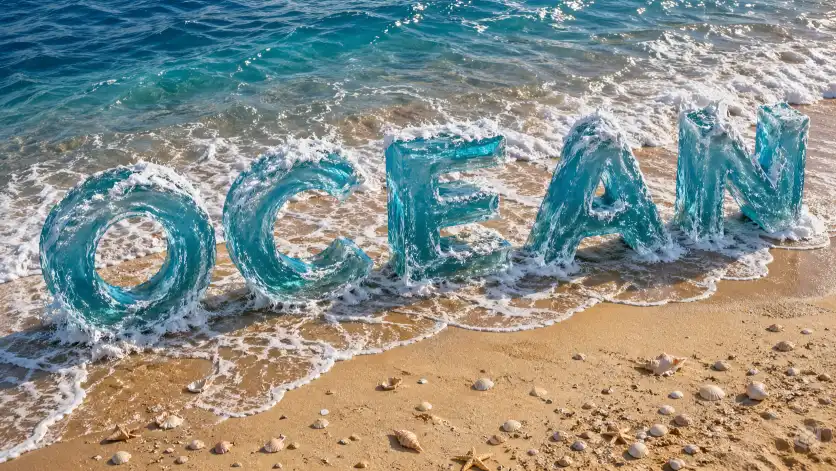
Create the word “OCEAN” rendered in large 3D letters made of flowing water and sea foam, sitting on a sandy beach with waves crashing around the base of each letter, realistic water textures, sunlight refracting through the letters, seashells scattered around, aerial perspective. Use aspect ratio 16:9.
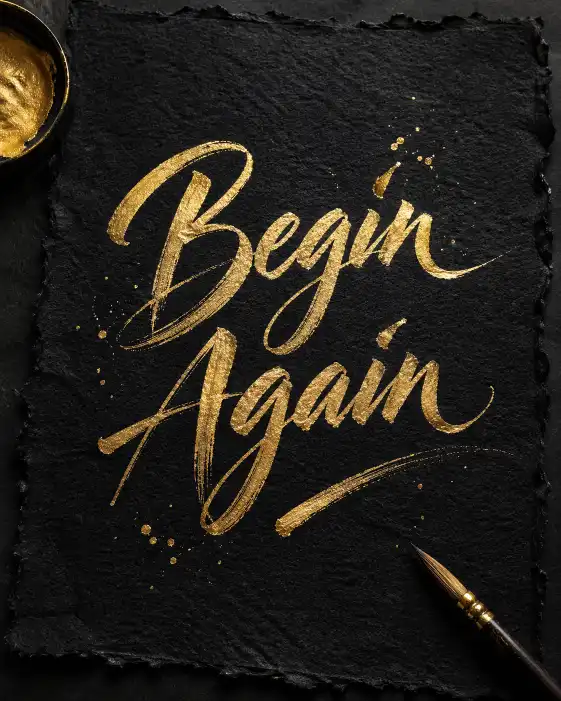
Create elegant calligraphy of the phrase “Begin Again” in gold ink on handmade textured black paper, visible brush strokes, slight ink splatter, overhead flat lay shot. Use aspect ratio 4:5.
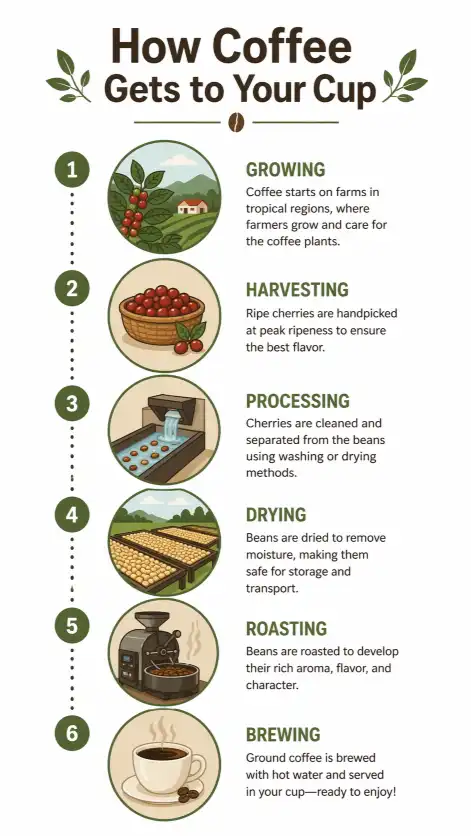
Create a clean infographic titled “How Coffee Gets to Your Cup” showing 6 steps from farm to mug, each step in a circular icon connected by a dotted line, flat design, earth tone color palette, modern sans-serif labels, white background. Use aspect ratio 9:16.
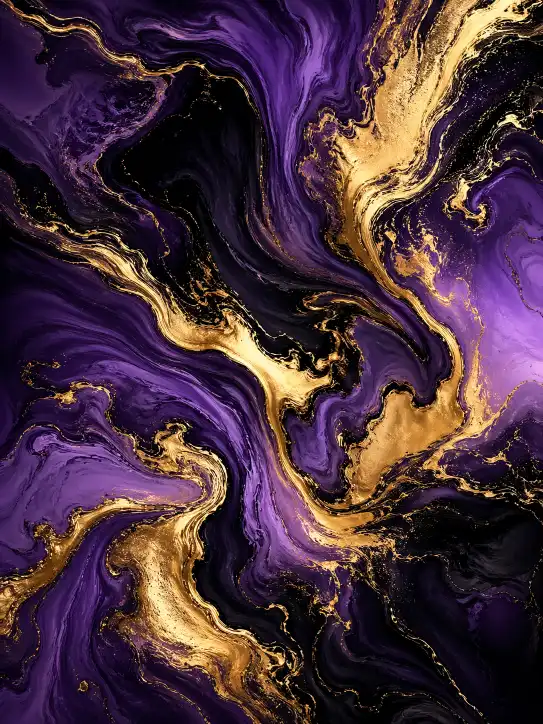
Create an abstract digital art piece with flowing liquid marble textures in deep purple, gold, and midnight black, swirling organic forms, metallic sheen highlights, 8K resolution, suitable for wall art print. Use aspect ratio 3:4.
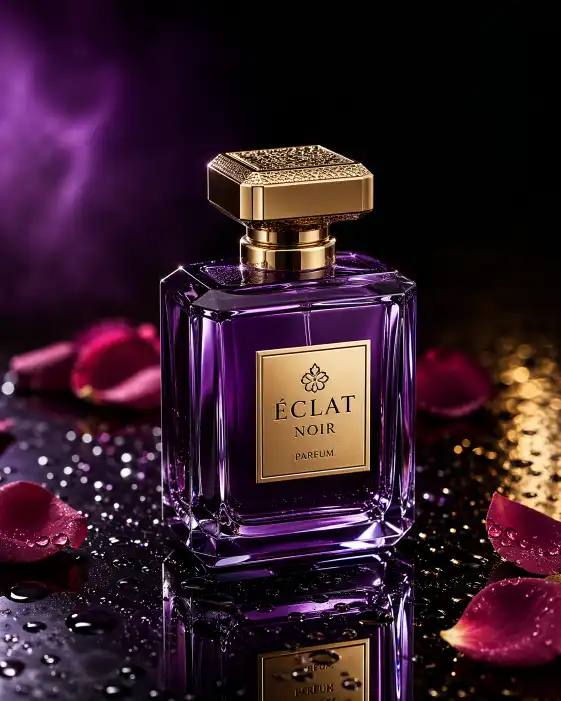
Create a luxury perfume bottle on a black reflective surface, surrounded by water droplets and rose petals, dramatic side lighting with purple and gold tones, commercial product photography style, ultra sharp focus. Use aspect ratio 4:5.
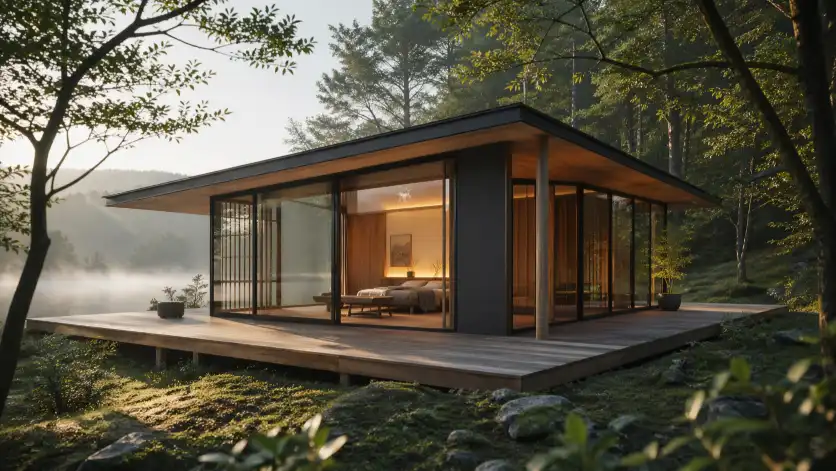
Create a modern minimalist Japanese-style tiny home in a forest clearing, floor-to-ceiling glass walls, wooden deck, morning mist, architectural photography, natural materials. Use aspect ratio 16:9.
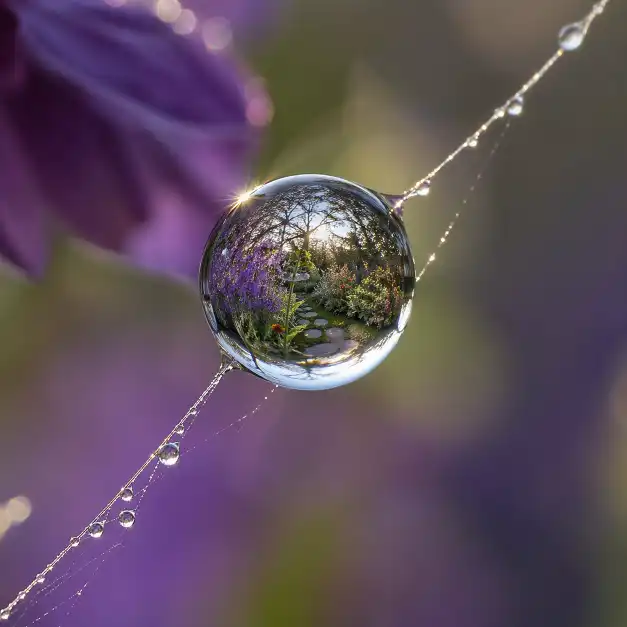
Create an extreme macro photograph of a dewdrop on a spider web strand, reflecting a tiny garden scene inside the droplet, early morning light, bokeh background of purple flowers, focus stacking technique. Use aspect ratio 1:1.
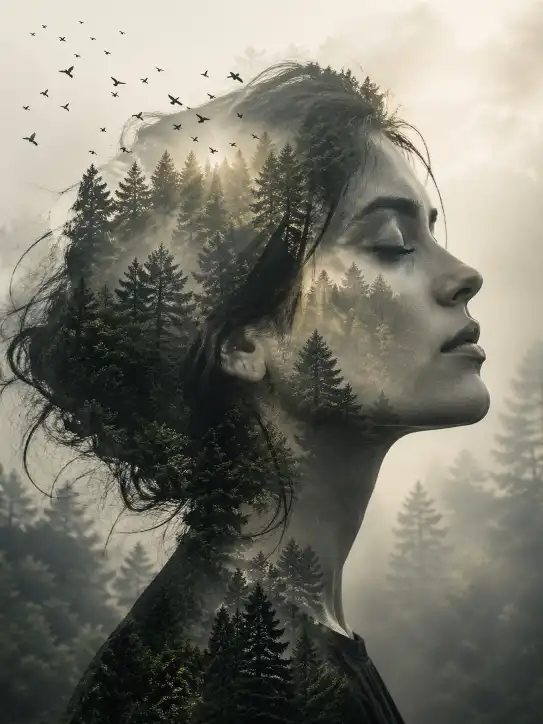
Create a double exposure portrait of a woman’s side profile blended with a dense forest landscape, birds flying out from her hair, misty trees visible through her face, soft golden light filtering through, fine art photography style, monochrome with subtle green tones. Use aspect ratio 3:4.
How to Use Prompt
Step 1: Open Gemini or ChatGPT
Go to the official Gemini or ChatGPT website
Or open the Gemini or ChatGPT app on your phone
Sign in with your Google account
Step 2: Upload Your Photo
Click on the “+” (upload icon)
Select the photo you want to edit
Wait for the image to upload
Step 3: Write a Clear Prompt
Now type or paste your photo-editing prompt in the chat box.
Step 4: Generate & Wait
Click the send/generate button
Gemini or ChatGPT will process your prompt
Wait a few seconds for the generated image.
Step 5: Download the Image
Once satisfied, download your edited photo
Use it for Instagram, WhatsApp, or Facebook posts